




>_ work / hunter: the reckoning
Hunter: The Reckoning
Rigging & Motion capture cleanup for a game reveal trailer
Client
STUDIO RTN for Nacon & Teyon
Project
Rigging & Motion capture cleanup for a game reveal trailer
What we did
- Character Rigging
- Motion capture remapping & cleanup
>_ the story
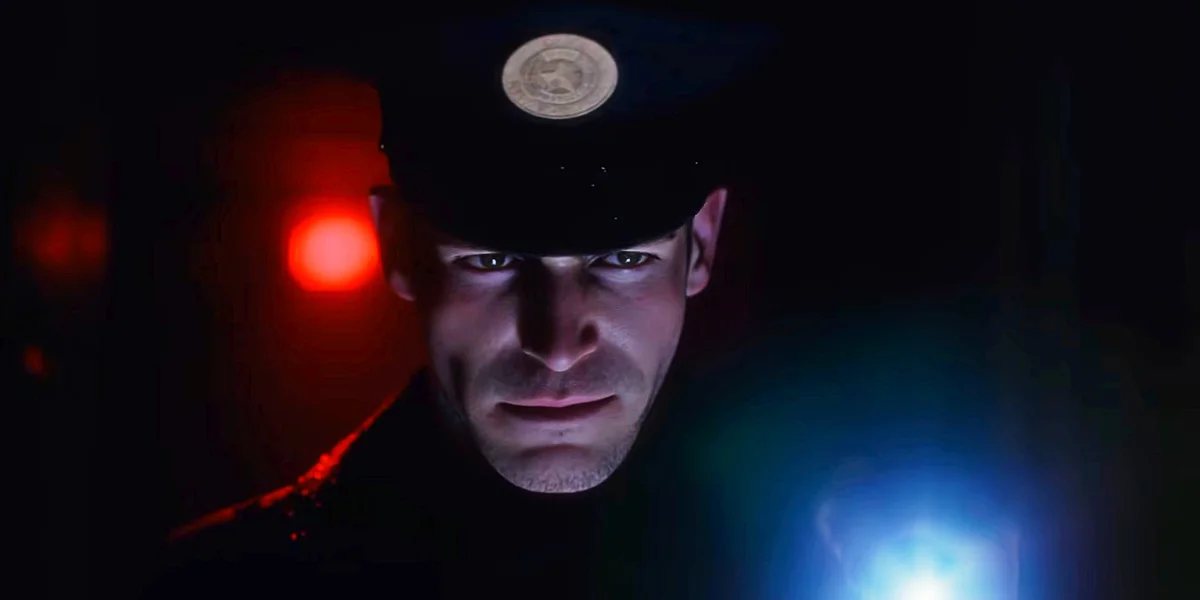
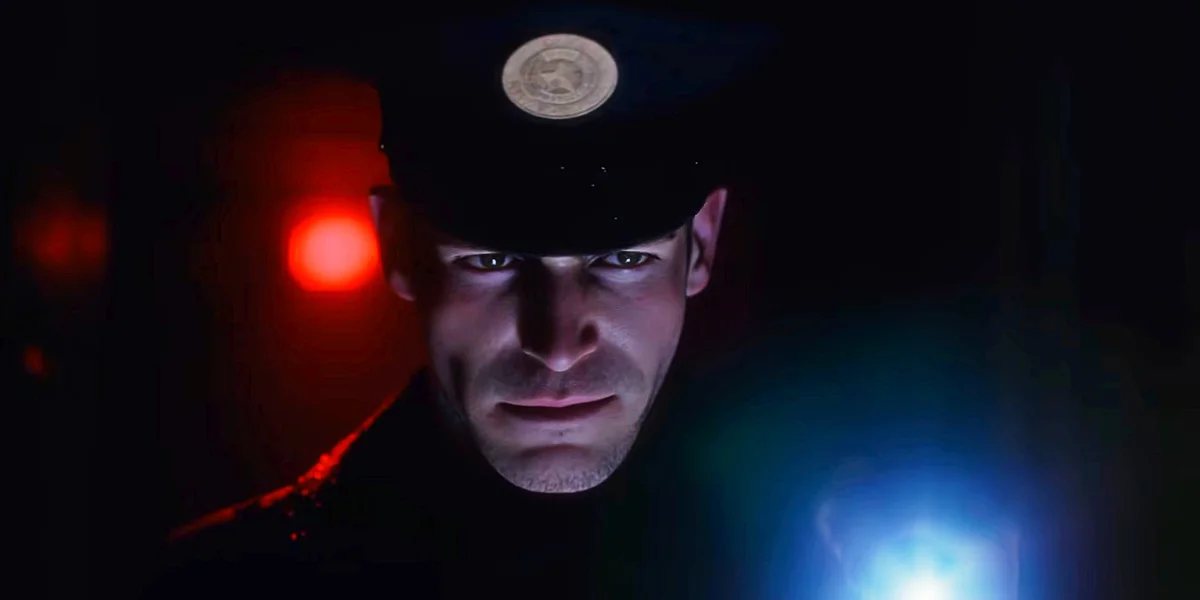
RTN asked for help on their animation for The Reckoning – Deathwish's reveal trailer. They already had Xsense captures of the action and needed that turned into finished, shot-ready performance, all while keeping the acting and underlying skeleton exactly the same.
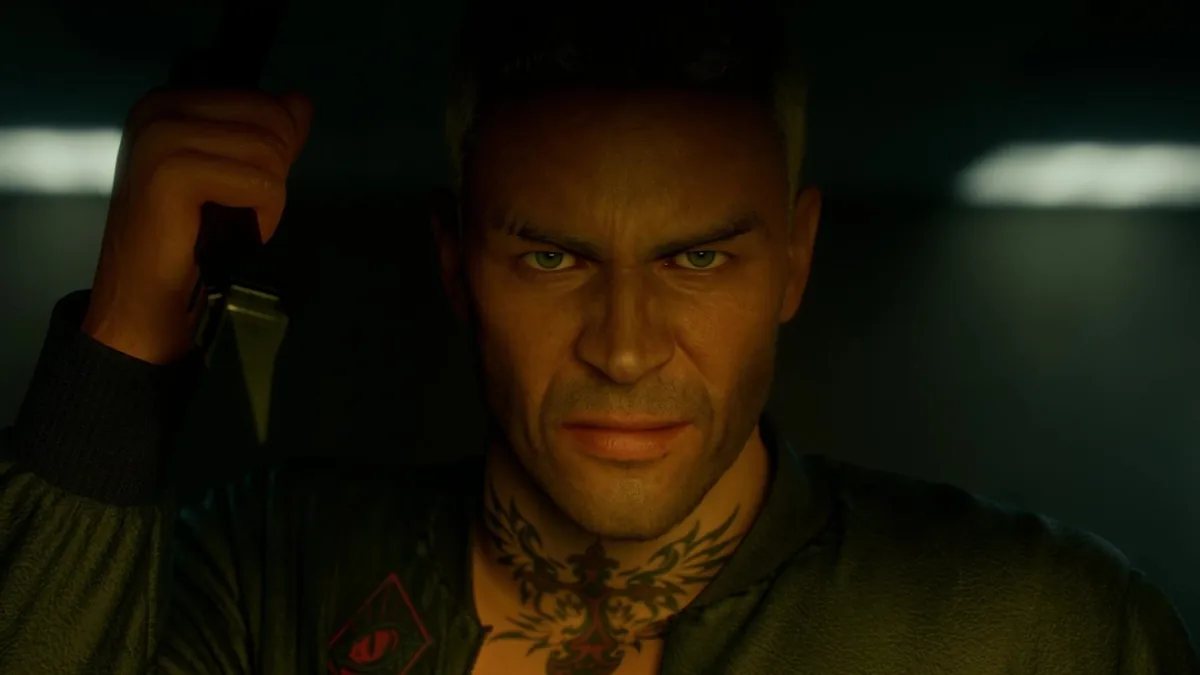
So we didn't touch that skeleton. We rigged over the existing Metahuman setup rather than modifying it, built a custom remapping solution in Maya to bring the Xsens capture to oour rig and asked our animators to change as little as possible while they added their magic ( as well as hand animation - not to say hand animation can't be magic ). Funnily, doing as little as possible is pretty hard. It's easy to smooth technical errors, but you might remove actual true performance jitter with it. Mocap cleanup is it's own craft: Rather than building a performance from scratch, we're basically listening to what the actor already gave us and make it read the way it was meant to. Even on a short timeline, rushed listening just doesn't work. To make sure we had enough time to listen, we automated as much of the tedious export and data-qa as possible.
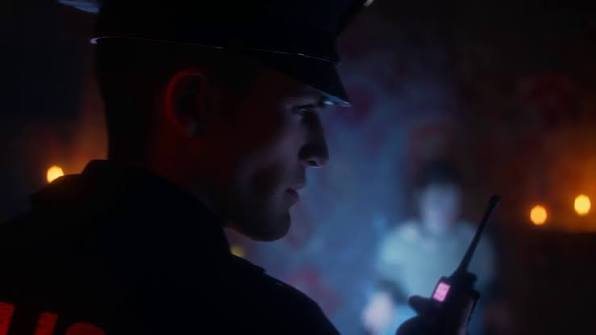
It worked, RTN Studio got aniamtion that dropped right into their shots and the trailer shipped on time.
Challenges
- Short turnaround
- Preserving UE5 skeleton 1:1 while roundtripping through Maya
- Mocap from Xsense isn't always clean
Solutions
- Rig over metahuman setup so the base-skeleton is not touched
- Export solution that doesn't change skeleton and plugs right into Unreal Shots
- Custom remapping solution in Maya.